

Webvalix Members Portal Guide
Learn what the Webvalix Members Portal is, and how to access and use it after purchasing a service.
WEBSITES
8/23/20252 min read
Webvalix Members Portal Guide
One‑line summary: Learn what the Webvalix Members Portal is, and how to access and use it after purchasing a service.
Audience & Prerequisites
Who this is for: Webvalix customers who have purchased a service.
What you need before you start:
A confirmed Webvalix service purchase.
Login credentials provided by Webvalix.
Estimated time: 2–3 minutes.
What is the Webvalix Members Portal?
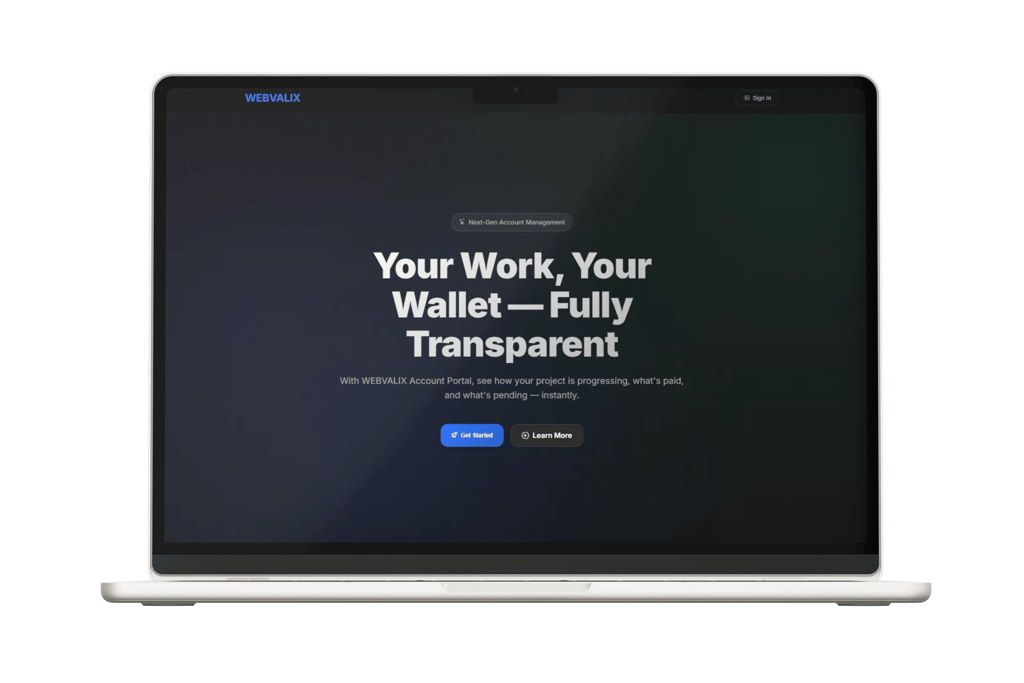
The Webvalix Members Portal (members.webvalix.com) is a private dashboard created for you when you purchase any Webvalix service. Inside the portal you can:
Access your project status and updates.
Find the contact email of the specialist working on your project.
Manage your account details.
⚠️ Important: You cannot create an account directly on the Members Portal. An account is automatically created for you once you purchase a Webvalix service.
Quick Start (3 steps)
Purchase a service on Webvalix.
Check your email for login credentials to members.webvalix.com.
Sign in with the provided details to view your project dashboard.
Full, Step‑by‑Step Instructions
1) Receive Your Login Details
After you buy a Webvalix service, our system automatically creates a Members Portal account for you.
You will receive an email with:
Username
Temporary password
Login link (members.webvalix.com)
2) Sign In
Do this:
Go to members.webvalix.com
Enter your username and password.
Click Sign In.
Validation: If successful, your personal dashboard will load.
3) Explore Your Dashboard
Once signed in, you can:
View your project progress.
See the assigned project manager’s email.
Access any service‑related documents or updates.
Notes & Best Practices
Save your login email safely.
If you lose access, use the “Forgot Password” option on the portal.
Only share your credentials with trusted team members.
Troubleshooting
Problem Likely cause Fix Login fails Wrong username or password Double‑check the email from Webvalix, or reset password No account found Service not yet purchased Purchase a service, then wait for the account email Portal not loading Browser cache or connection issue Clear cache, or try another browser
FAQs
Q: Can I sign up directly on members.webvalix.com?
A: No. Accounts are created only after you buy a service.Q: How do I contact my project manager?
A: Their email address is listed in your Members Portal dashboard.
What’s Next
[Guide: Resetting Your Members Portal Password]
[Guide: Tracking Your Project Status]
Style Notes
Language: Neutral, international English.
Tone: Clear and professional, with no extra fluff.
Dates & currency: Use ISO format and codes if mentioned.
Version History
v1.0 – 2025‑08‑23: Initial publication